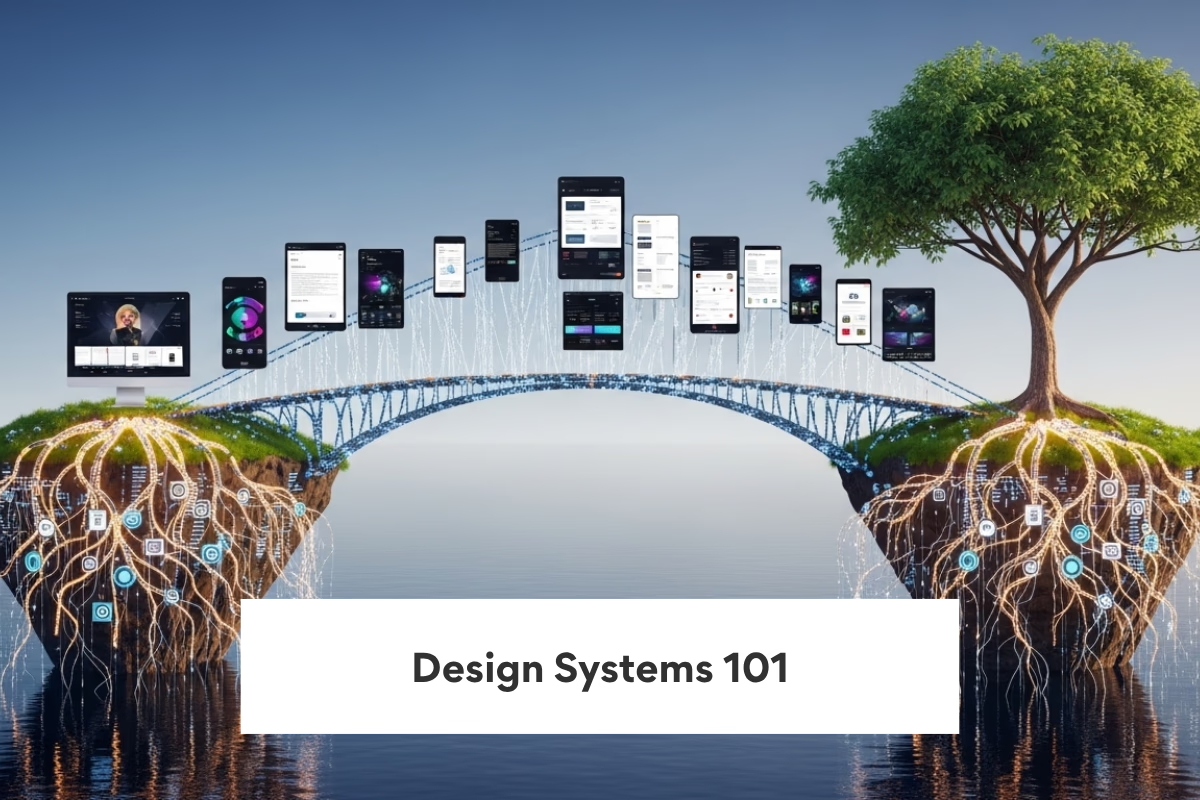
A foundational guide to building consistent, scalable, and reusable UI design systems.
Introduction
A design system is a comprehensive set of standards, reusable components, and guidelines that enable organizations to build consistent, scalable, and cohesive digital experiences. It serves as a single source of truth for both design and development teams, bridging the gap between visual design, user experience, and implementation.Design systems are more than a collection of UI components—they provide a framework for consistency, efficiency, and collaboration across products, platforms, and teams. By defining rules for typography, color, spacing, interaction patterns, and components, a design system ensures that all interfaces align with the brand identity while maintaining usability and accessibility standards.
Consistency
Design systems ensure a consistent user interface across all screens and platforms, maintaining uniform styling, components, and interactions for a cohesive user experience.
Speed
Reusable components and standardized patterns accelerate development cycles, allowing teams to build new features faster while maintaining design integrity.
Scalability
A well-structured design system grows with the product, supporting new components, themes, and platforms without increasing complexity or compromising quality.
Collaboration
Design systems foster alignment between designers and developers, enabling clear communication, shared guidelines, and smoother handoffs for faster, more efficient workflows.
Quality
Standardized components and best practices reduce UI inconsistencies and bugs, improving the overall quality, accessibility, and reliability of the user interface.
Digital Innovation
Design at scale refers to creating digital products, systems, or experiences that maintain consistency, quality, and usability as they grow in complexity, audience size, and platforms. It is essential for organizations building large applications, multi-product ecosystems, or global platforms where hundreds of components, teams, and workflows interact.
Single Source
A single source of truth for UI ensures that all components, styles, and guidelines are centralized, providing consistency, reducing duplication, and simplifying maintenance across the product.
Reusable
Reusable components allow developers to efficiently build interfaces by leveraging pre-built, tested elements, reducing development time and minimizing inconsistencies.
Branding
Design systems enforce a strong brand identity by standardizing colors, typography, icons, and other visual elements, ensuring the product reflects the brand consistently.
Velocity
With standardized components and clear guidelines, teams can ship features faster, iterate quickly, and maintain high productivity without compromising quality.
Governance
Governance mechanisms control how components are updated, reviewed, and released, ensuring that changes are deliberate, tested, and do not break consistency or quality.
Key Architecture
A system structure defines how a software application, platform, or ecosystem is organized, interconnected, and managed to deliver functionality, scalability, and maintainability. It is the foundation of software architecture, guiding how components interact, how data flows, and how teams can develop, deploy, and maintain applications efficiently.
Tokens
Design tokens define fundamental styles such as colors, typography, spacing, and shadows, ensuring consistency across platforms and making it easier to apply global design changes.
Components
Reusable UI components provide modular, pre-built blocks that can be used throughout applications, improving development speed, consistency, and maintainability.
Docs
Comprehensive documentation provides clear usage guidelines, examples, and best practices for components and tokens, helping teams implement designs correctly and efficiently.
Versioning
Versioning enables safe updates to the design system by tracking changes, ensuring backward compatibility, and allowing teams to adopt new improvements without breaking existing interfaces.
Tooling
Integrated tooling, such as Figma for design and code synchronization, bridges the gap between design and development, enabling faster implementation, collaboration, and consistency across teams.
"Great architecture is built to change — not to last forever."
Future Outlook
Design systems have become essential in modern software development, providing consistent, reusable, and scalable UI components that accelerate development and maintain a cohesive user experience across web, mobile, and desktop platforms.
AI Design
AI-powered design tools enable smart layouts, predictive arrangements, and automated suggestions, helping designers create intuitive, optimized interfaces faster and with higher accuracy.
Theming
Dynamic theming allows applications to adapt to different brand identities or user preferences by changing colors, typography, and styles systematically, maintaining consistency across platforms.
Cross Platform
A cross-platform design system ensures that components and layouts work seamlessly on web, mobile, and other platforms, reducing duplication and maintaining a unified user experience.
Automation
Automated UI generation leverages rules, templates, and AI assistance to create components and layouts automatically, saving time, reducing errors, and accelerating development.
Scale
Enterprise-ready design systems are built to scale with the organization, supporting large teams, multiple products, and global applications while maintaining consistency, performance, and governance.